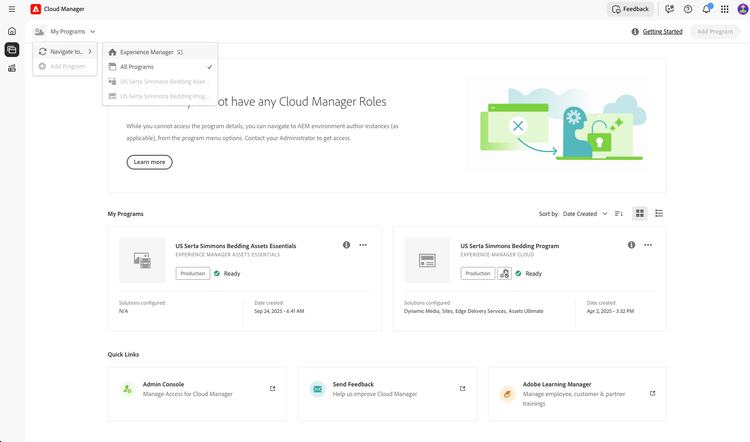
Step 1:
You will receive an email from message@adobe.com to setup your account – using the registered email you have used for your Our Promise Growth Program site access.
**Please keep in mind, you may need to check your junk and/or spam folder**
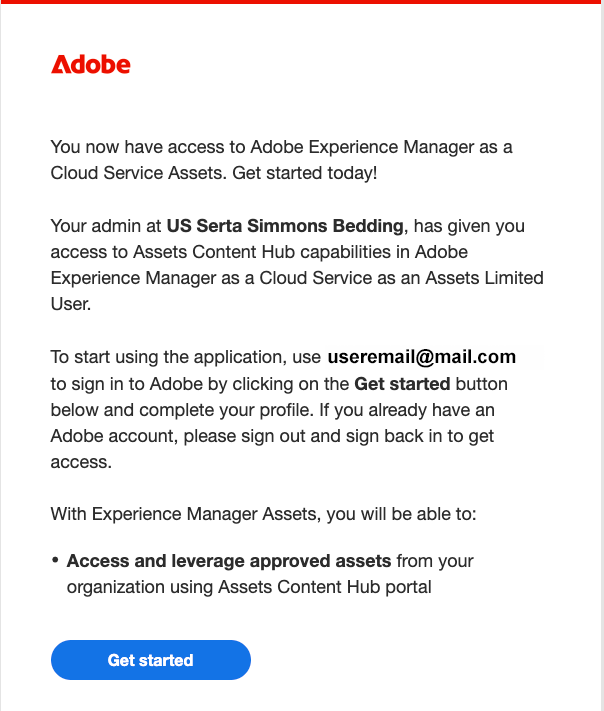
Step 2:
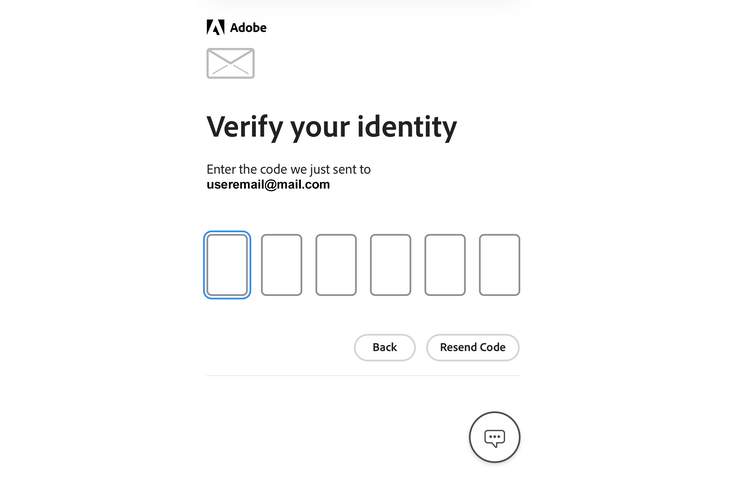
Browser window will open to verify your identity
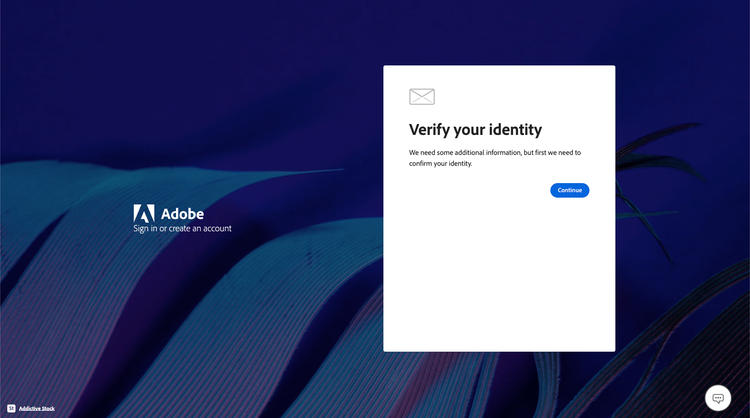
Step 3:
Code will be delivered to the email address you used to register on the Our Promise Growth Program site
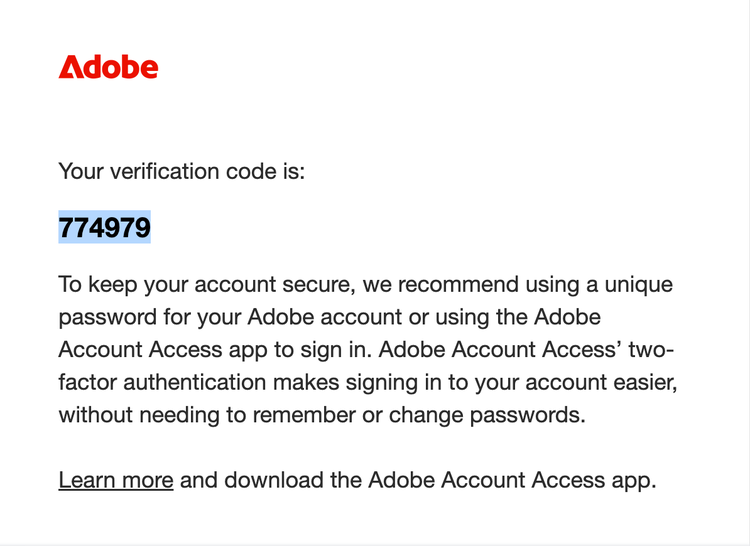
Step 4:
Enter code in your browser window
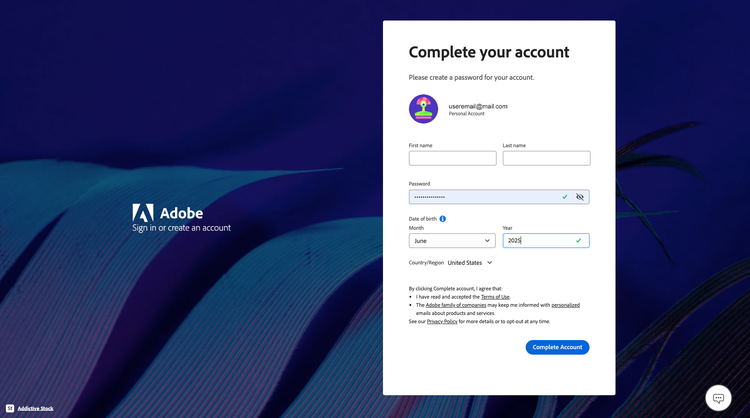
Step 5:
Enter your user details to complete account setup
Your account setup is complete!
You will be directed to a page similar to this, you can close this window. If you would like to immediately access the Content Hub, please click the link HERE.